
For conferences
A shared event camera for conferences
Hundreds of attendees, one shared camera. A QR code on the badge or screen gets everyone shooting — no app — and it all develops into a single event album you can share afterward.

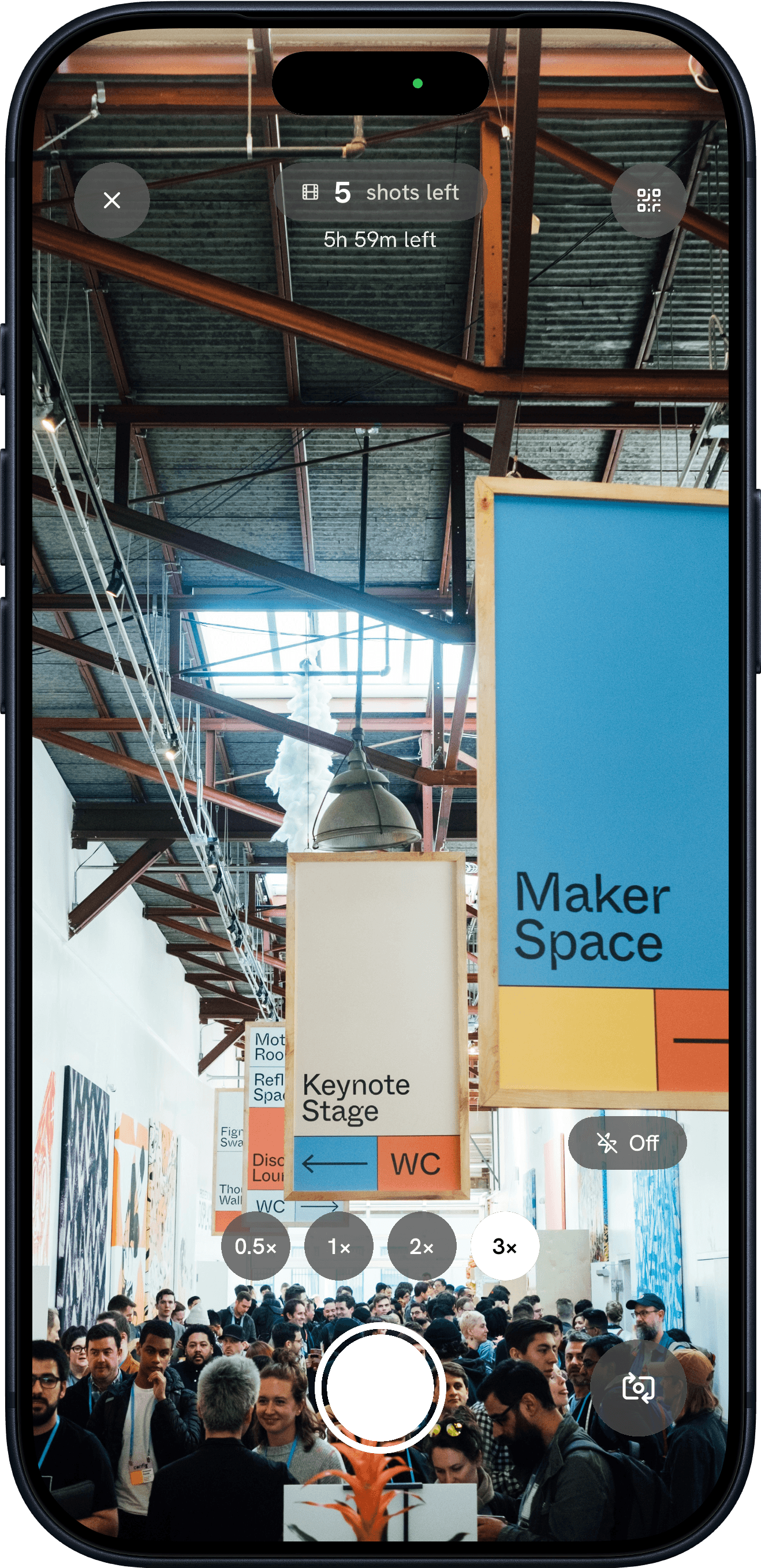
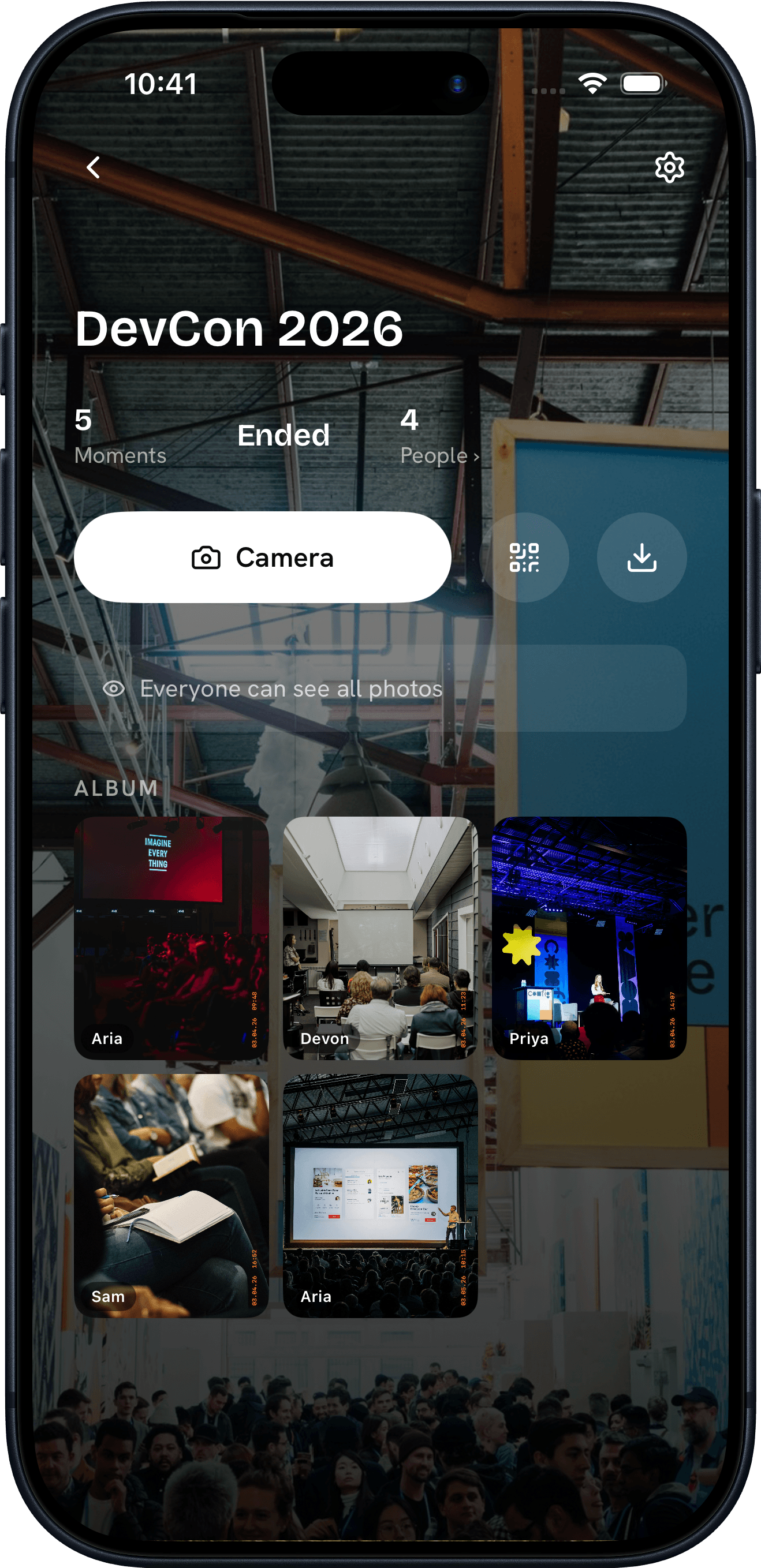
“The keynote is recorded. The hallway track isn't — unless everyone's a camera.”
How it works
How an event becomes an album.
Konfetti Camera works in four steps — create an event, invite your guests by QR, capture a shared roll of photos together, then reveal the whole album at once.
Step 01
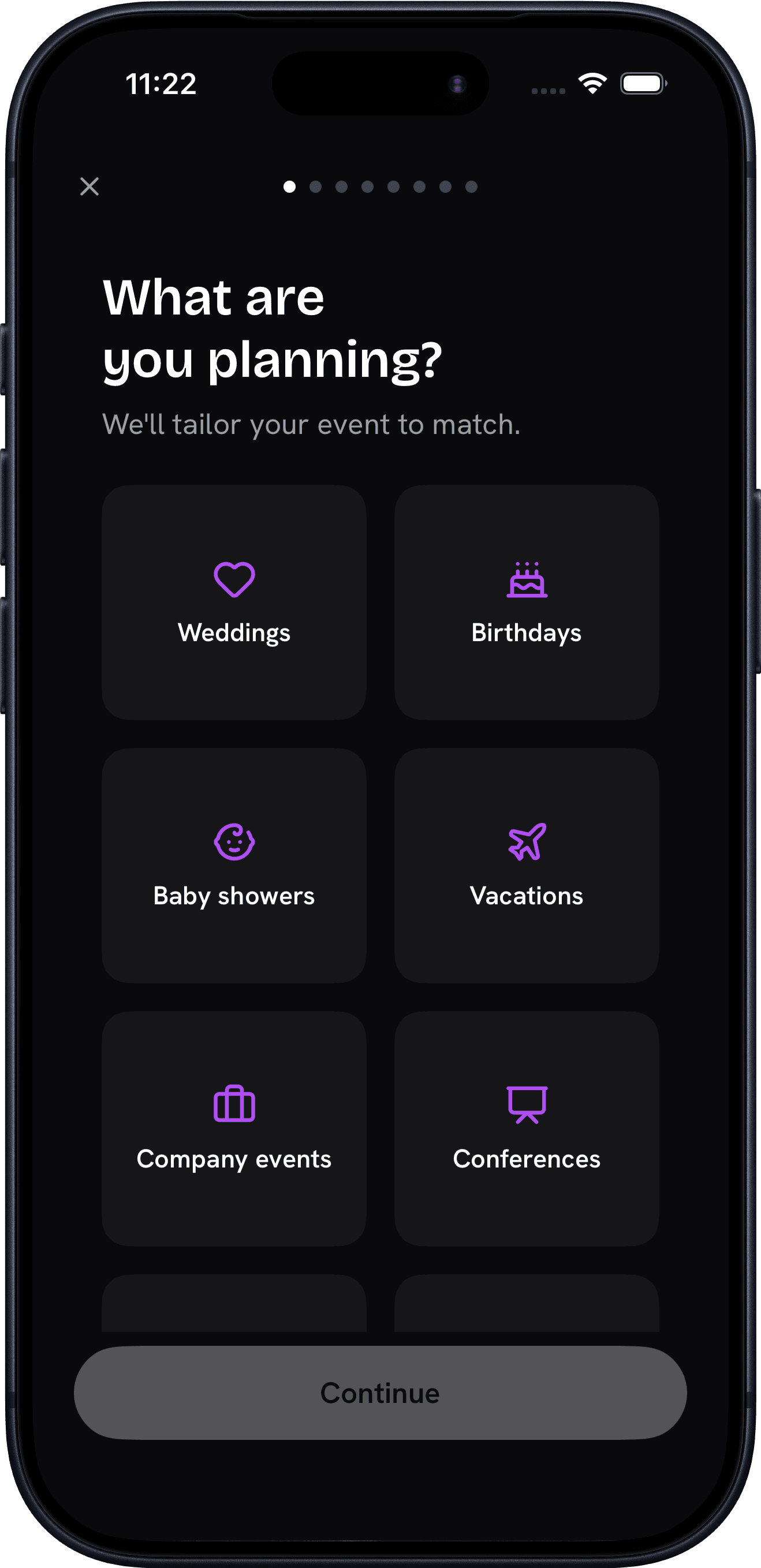
Create your event
Name it, pick a film style, set how many shots each guest gets, and choose when the photos reveal.
Step 02
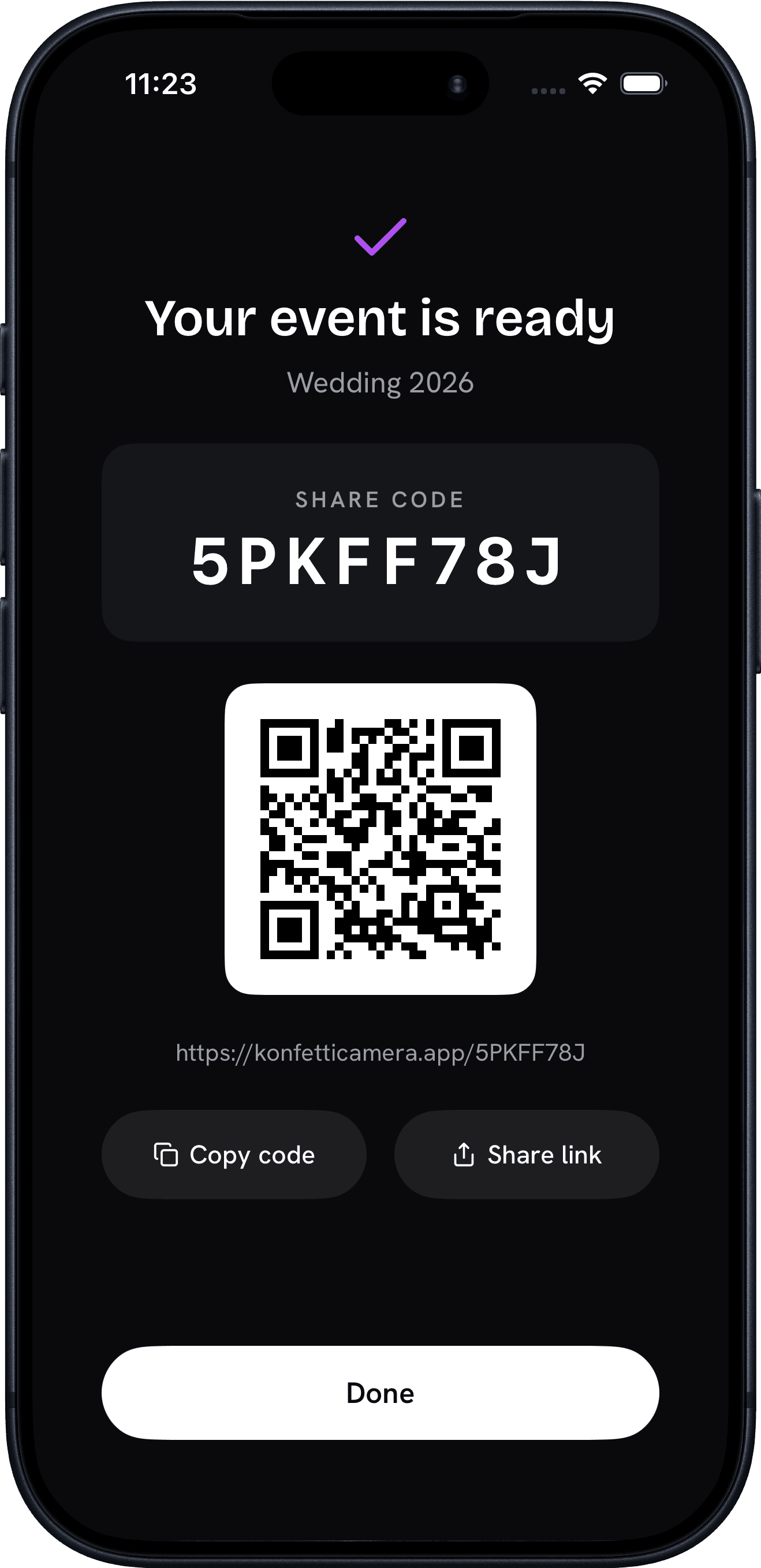
Invite your people
Share a link or QR code. Guests join in a tap with an App Clip — no account, no download.
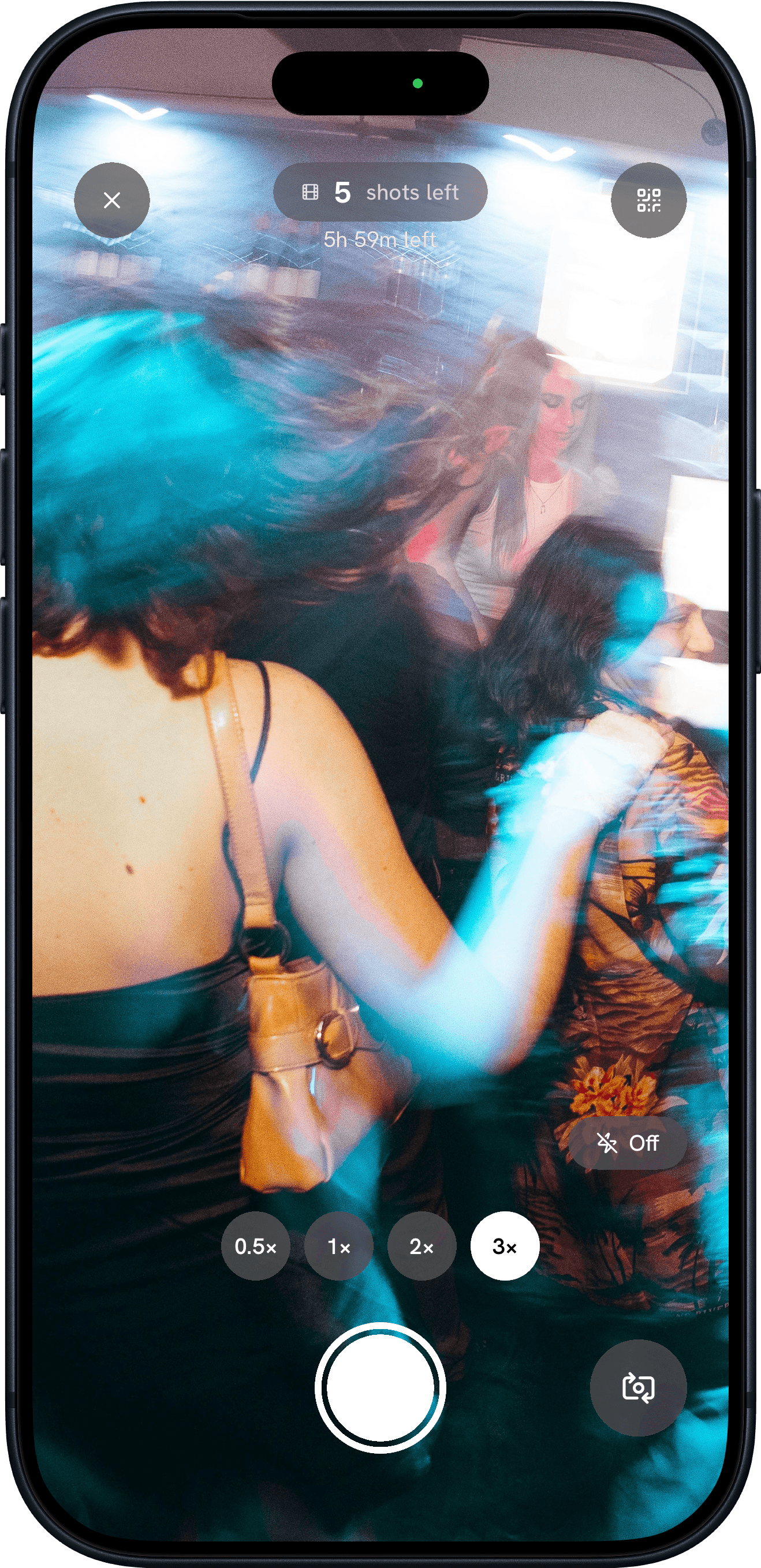
Step 03
Capture together
Everyone shoots through the day. Photos stay sealed until your reveal, then develop into one collective album.
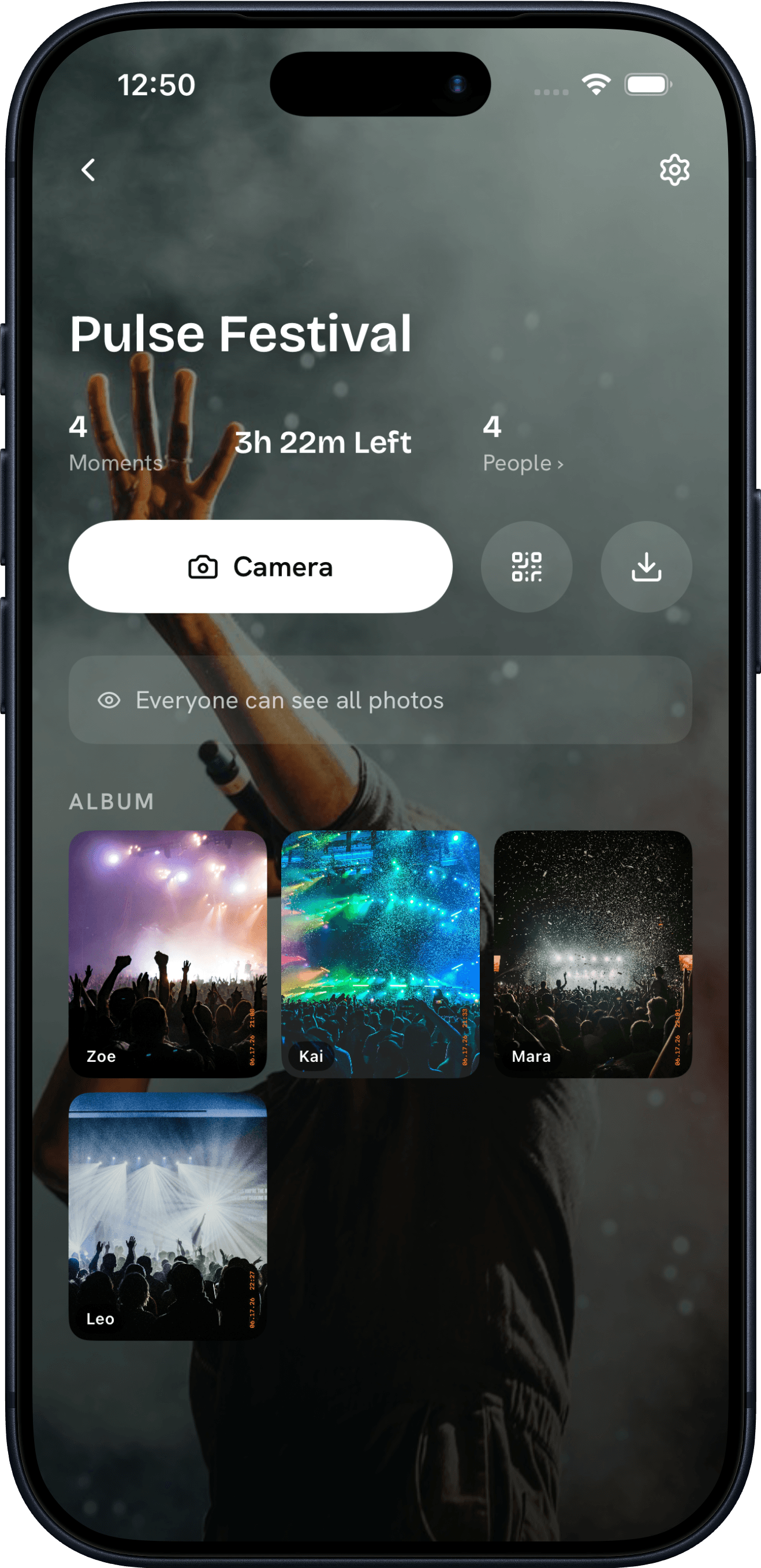
Step 04
Relive it together
When the reveal hits, the whole album unlocks at once. Everyone browses every angle, downloads their favorites, and keeps the memories.
Why Konfetti
The fun of a disposable,
none of the waiting room.
Konfetti Camera gives every event the fun of a disposable camera — a custom film look, a shot limit per guest, and photos sealed until one shared reveal — with none of the waiting.
Make it yours
Choose a film style, set the shot limit per guest, and decide exactly when the album reveals. Your event, your rules.
No download required
An App Clip and QR code let guests join your camera in a single tap — no account, no install. Easy enough for everyone at the party, grandpa included.
Sealed until the reveal
Just like a real disposable camera: nobody sees a single shot — not even the person who took it — until the moment you choose.
One shared album
Every guest, every angle, every moment — developed together into a single film you can keep, download, and relive.
FAQ
Conference camera questions
- How do attendees join the conference camera?
- Attendees scan a QR code on signage or badges and the camera opens instantly — no download — so you can crowd-source photos across a multi-day event.
- Can we collect photos across multiple days and sessions?
- Yes. Every attendee's shots collect in one shared album for the whole conference, revealed when you choose.
- Can we brand the photos for sponsors?
- Yes — the branding add-on puts your or a sponsor's logo on every photo.