
For school events
A safe shared camera for school events
Get the whole class shooting on one camera. A QR code on the program gets everyone in — no app — and it all develops into one shared album to remember it by.

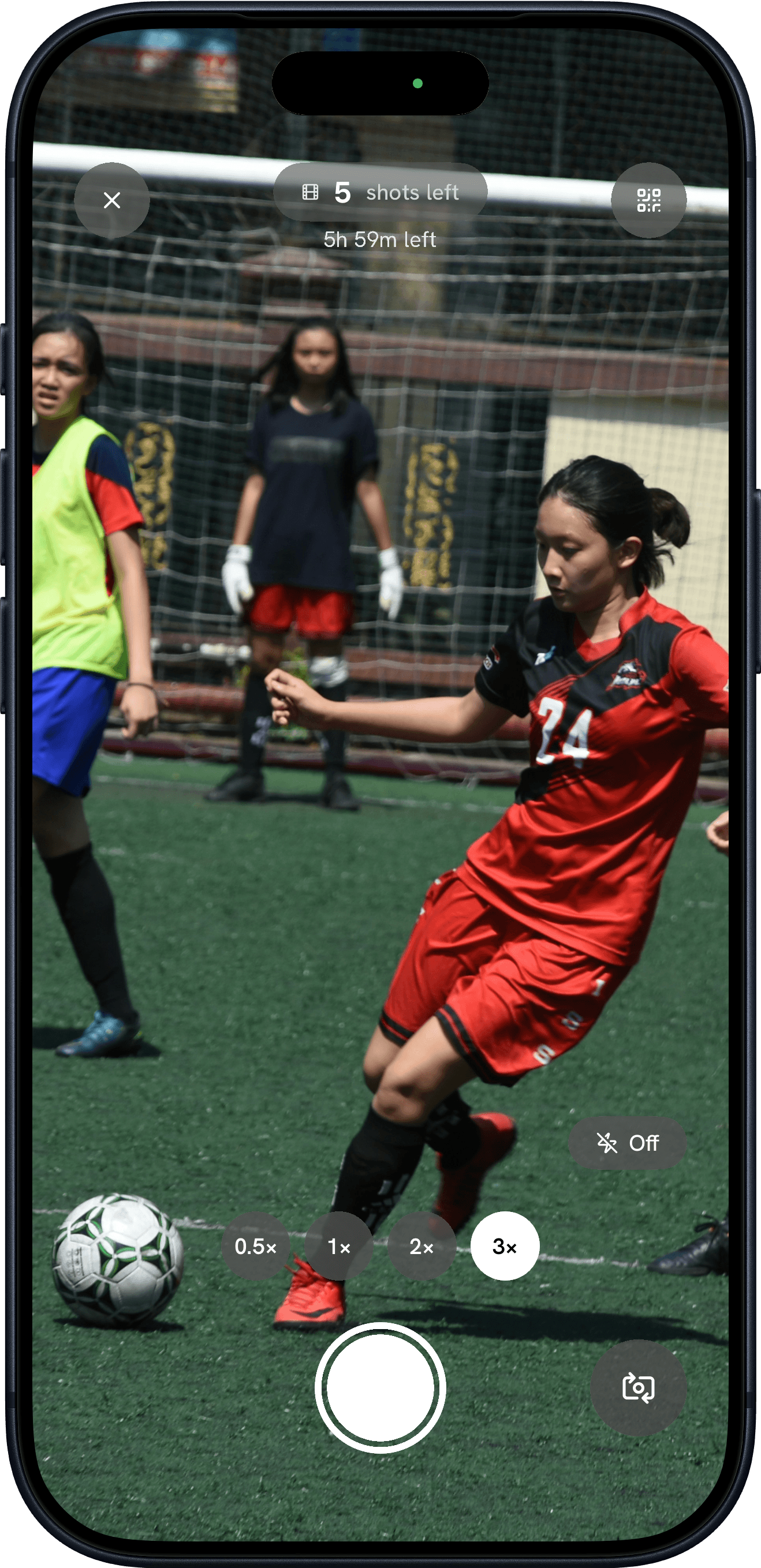
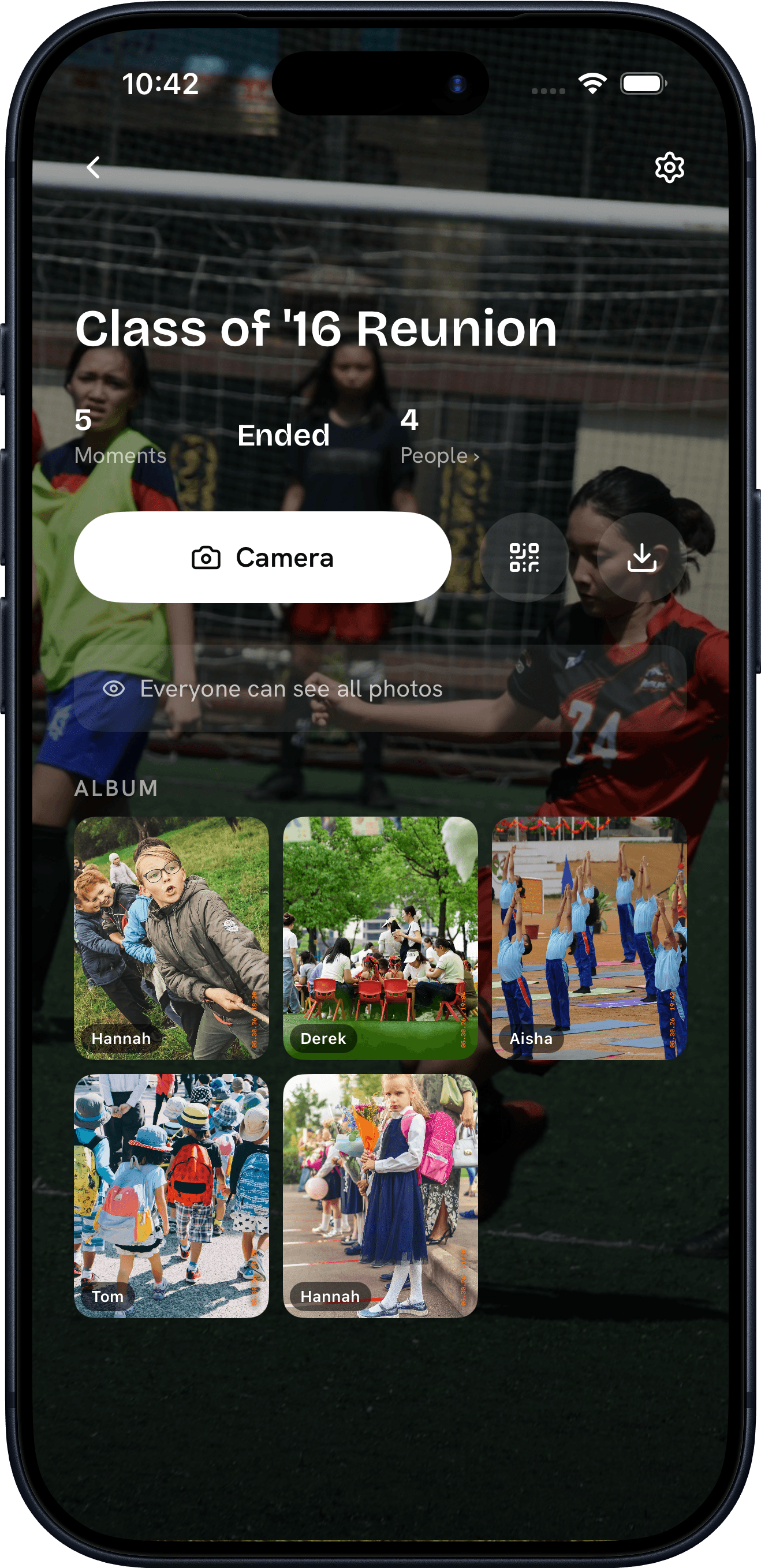
“Everyone remembers the night differently. Now you'll have all of it.”
How it works
How an event becomes an album.
Konfetti Camera works in four steps — create an event, invite your guests by QR, capture a shared roll of photos together, then reveal the whole album at once.
Step 01
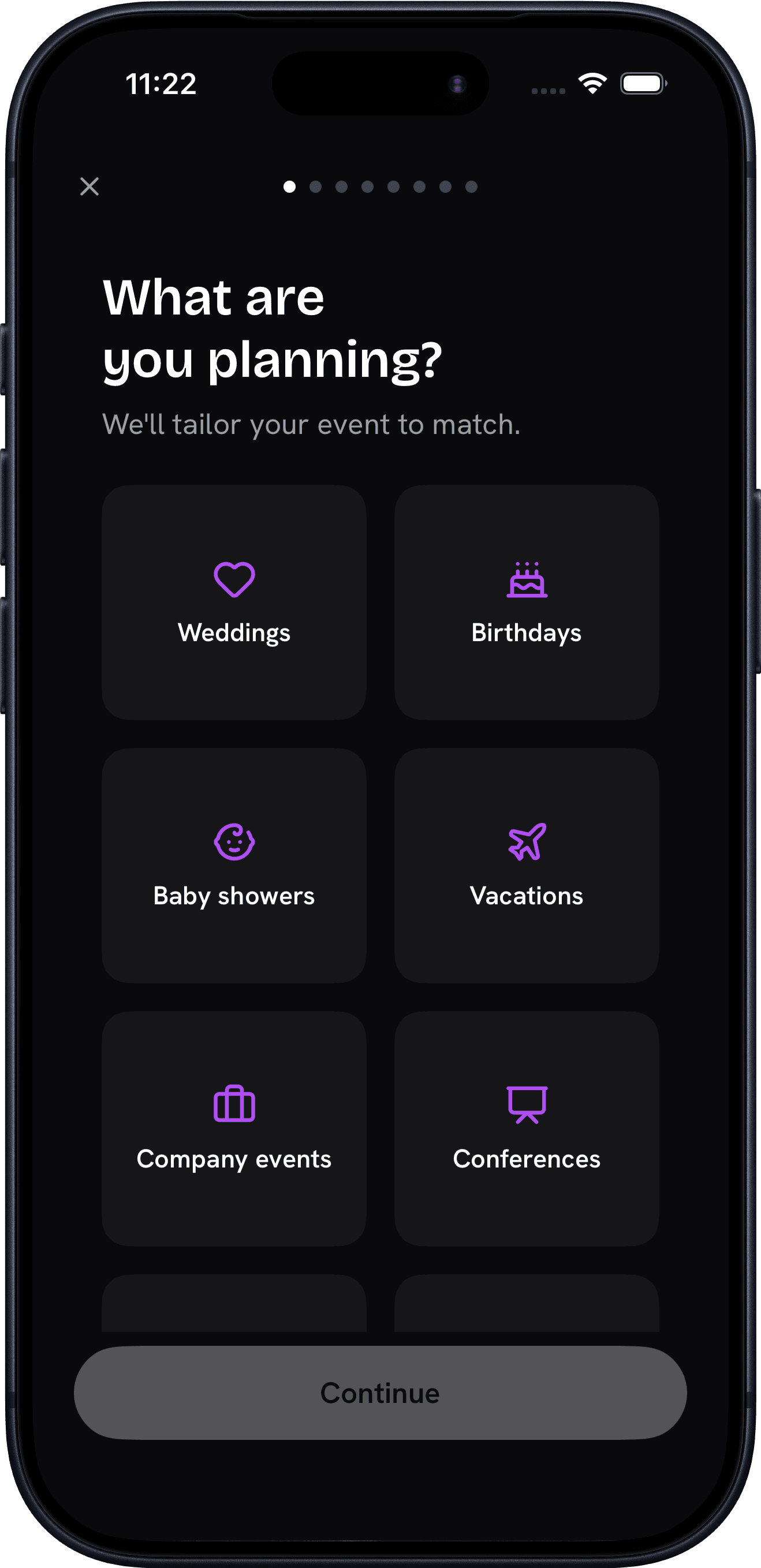
Create your event
Name it, pick a film style, set how many shots each guest gets, and choose when the photos reveal.
Step 02
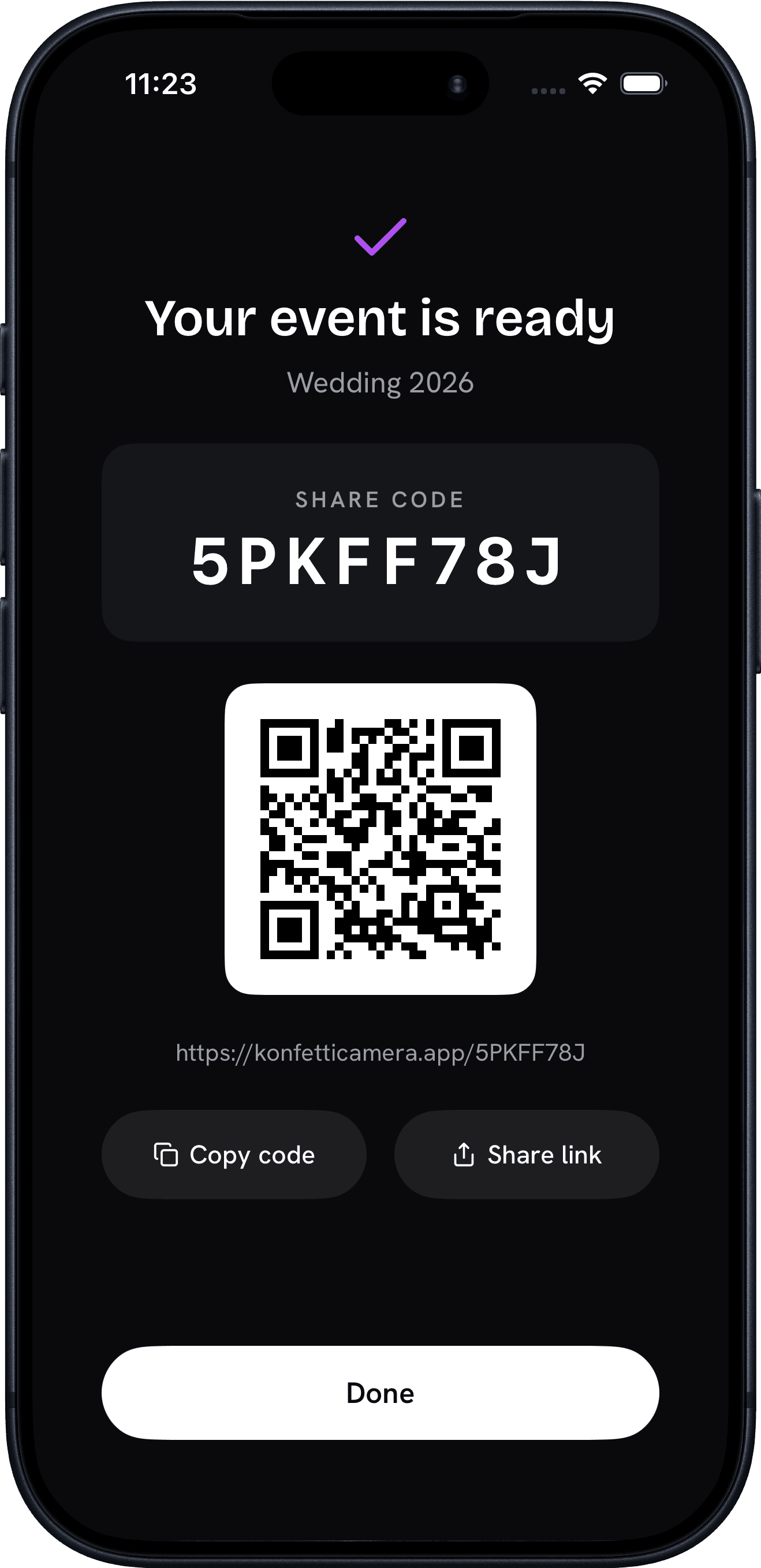
Invite your people
Share a link or QR code. Guests join in a tap with an App Clip — no account, no download.
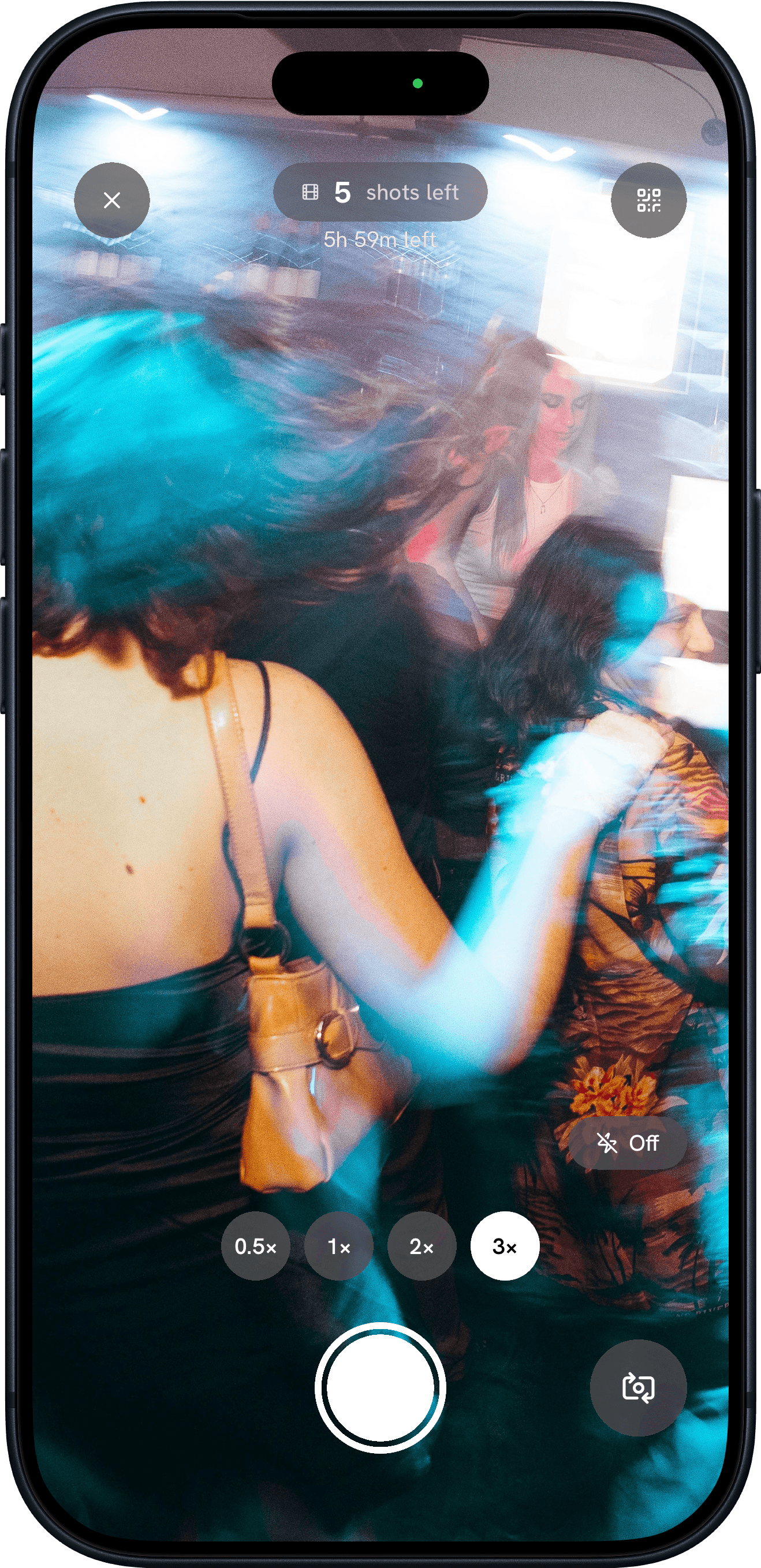
Step 03
Capture together
Everyone shoots through the day. Photos stay sealed until your reveal, then develop into one collective album.
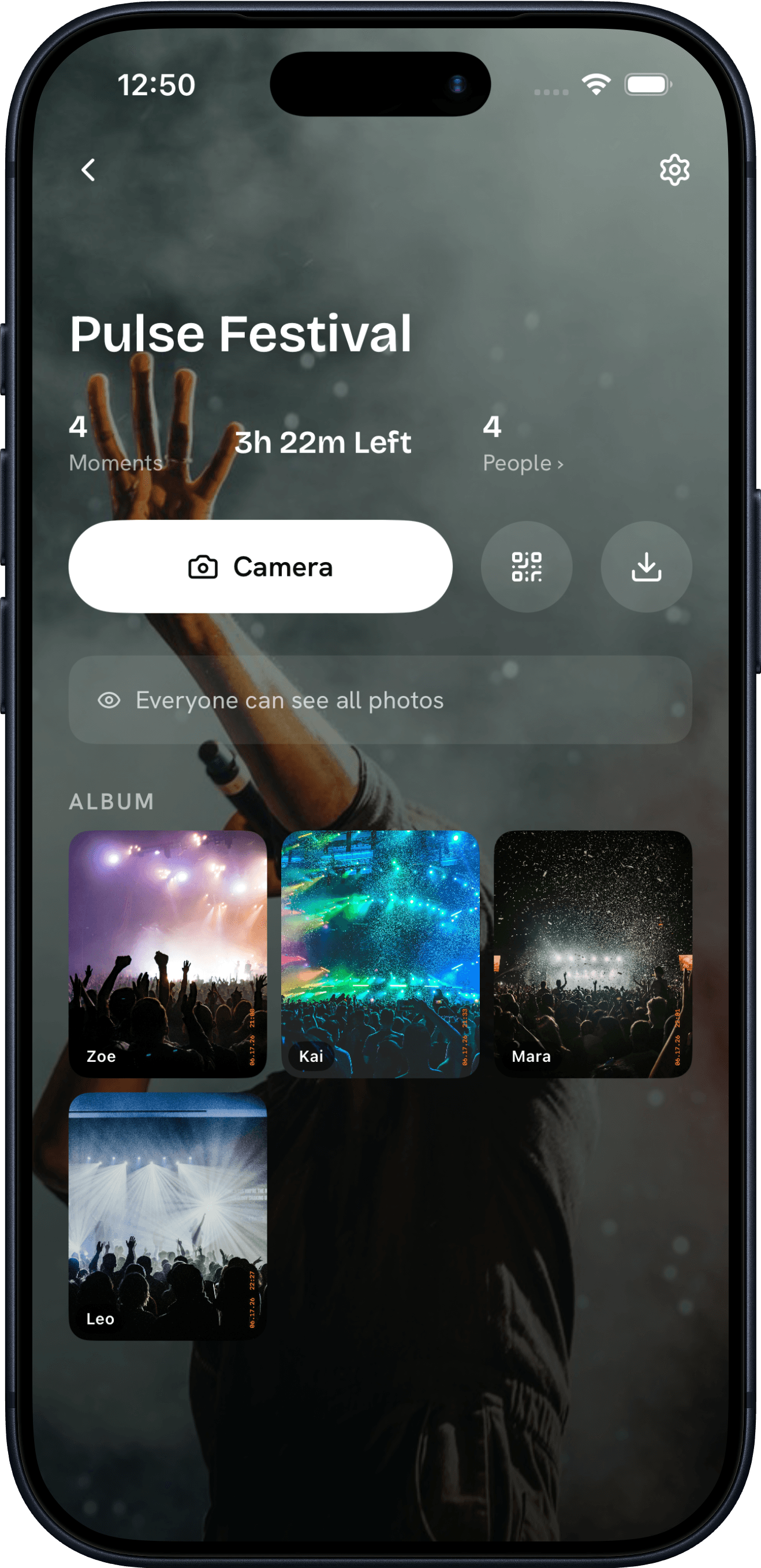
Step 04
Relive it together
When the reveal hits, the whole album unlocks at once. Everyone browses every angle, downloads their favorites, and keeps the memories.
Why Konfetti
The fun of a disposable,
none of the waiting room.
Konfetti Camera gives every event the fun of a disposable camera — a custom film look, a shot limit per guest, and photos sealed until one shared reveal — with none of the waiting.
Make it yours
Choose a film style, set the shot limit per guest, and decide exactly when the album reveals. Your event, your rules.
No download required
An App Clip and QR code let guests join your camera in a single tap — no account, no install. Easy enough for everyone at the party, grandpa included.
Sealed until the reveal
Just like a real disposable camera: nobody sees a single shot — not even the person who took it — until the moment you choose.
One shared album
Every guest, every angle, every moment — developed together into a single film you can keep, download, and relive.
FAQ
School event camera questions
- Is it safe and moderated for school events?
- Yes. Photos stay private to the event, and hosts can remove any photo or participant — see our moderation policy for how reporting and removal work.
- Do students need to download an app?
- No — they scan a QR code and the camera opens instantly, with no account or install.
- Who can see the photos?
- Only people in the event, and only after the host reveals them.